
A customer places an order in your mobile app. Someone copies it into the inventory system, then updates the sales team in a separate tool. Each handoff creates another opportunity for a duplicate order, an outdated price, or a customer waiting for a status update that never arrives.
Integrating your app with enterprise resource planning (ERP) and customer relationship management (CRM) systems can reduce manual re-entry. The real work is deciding who owns each piece of information and how the workflow recovers when a connection fails.
Start with a specific outcome, such as moving an order from submission to confirmation. Map who submits it, where prices are approved, which system checks stock, and when the customer can safely receive a confirmation. This turns the broader goal of business process automation into a scope that can be tested.
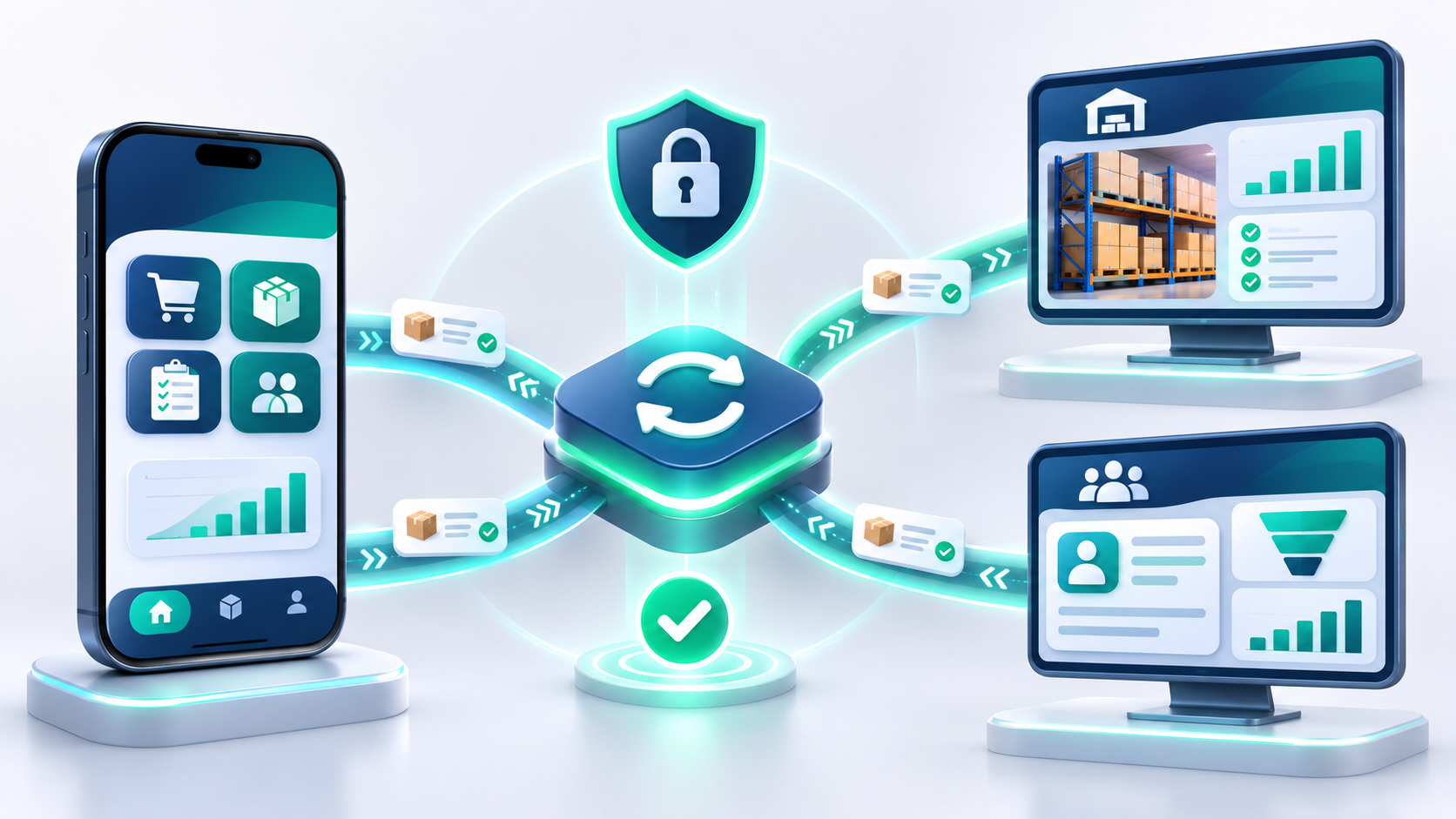
Consider a hypothetical distributor: the app sends an order to a backend service for validation; the ERP reserves inventory under the company’s rules; the CRM receives an update for the sales team. The details of this example depend on the available systems and each company’s operating rules.
A connection does not resolve disagreements about data. If the app, ERP, and CRM can independently change the same price, the team needs a rule for which change wins. Establish a source of truth for each data category:
Agree on currencies, date formats, and units as well. A mismatch between a box and an individual item can disrupt fulfillment even when every API request succeeds.
One system might accept an order while another times out. The app should distinguish between an order being received and being confirmed. A final success message should reflect the actual acceptance rules, rather than simply indicate that a request was sent.
A reliable integration needs a way to retain pending work, retry temporary failures within sensible limits, and recognize repeated submissions. A stable operation key can help prevent the same request from creating multiple orders. Persistent errors need an alert and a human review process. Periodic reconciliation can identify records that drifted out of sync.
Not every update needs to be immediate. Choose acceptable delays based on the business: a customer-facing stock check may require a different approach from a daily management report.
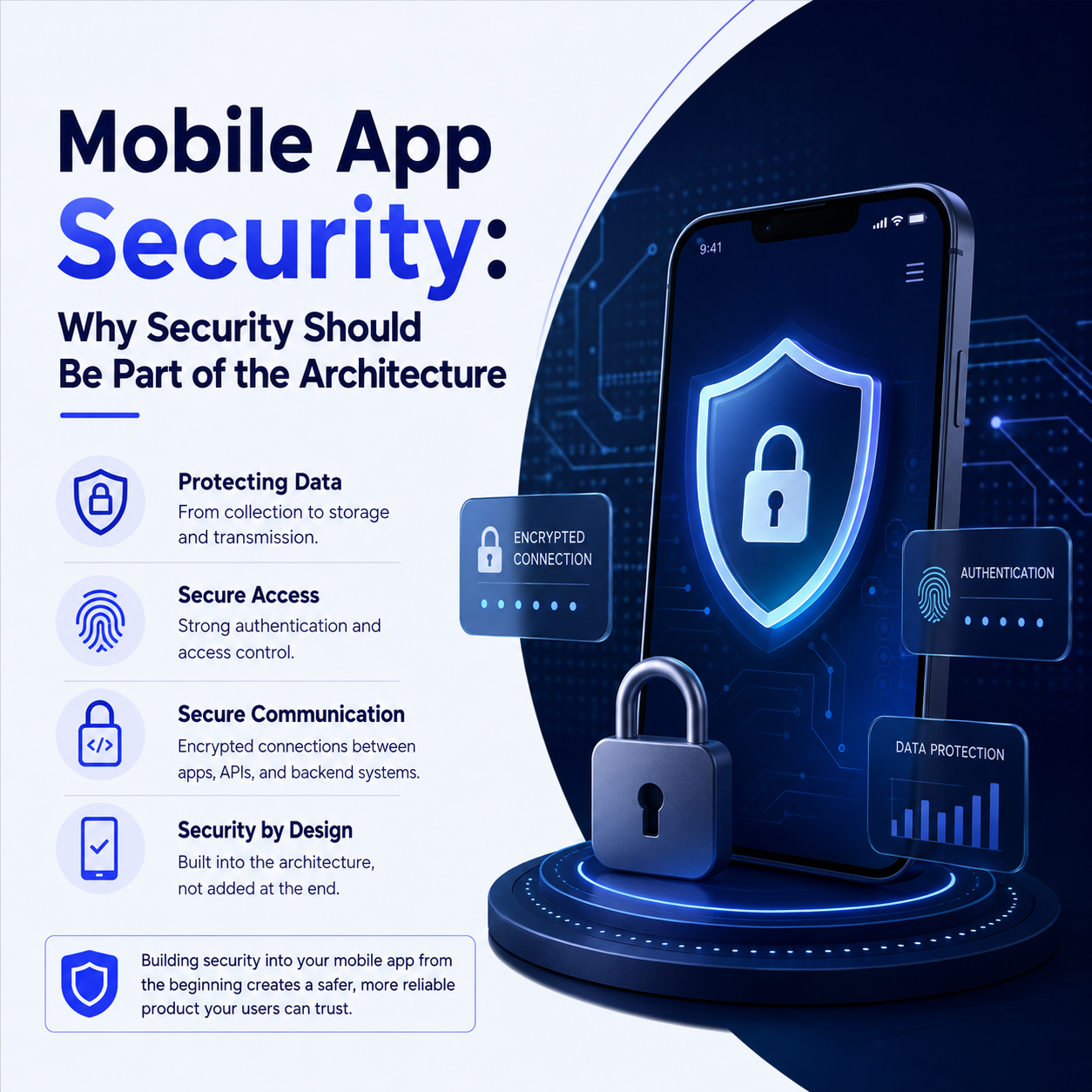
A mobile app should not receive unrestricted access to enterprise systems or contain their integration secrets. A backend service can verify the user and enforce permission checks before accessing the data required for the task. Error logs should avoid exposing credentials or unnecessary customer information. Our article on building mobile app security into the architecture explains why these decisions belong early in development.
Measure order processing time, pending operations, and cases requiring manual intervention before and after a pilot. Use observed results to decide whether to expand; a fixed efficiency claim cannot describe every business.
If your team repeatedly moves data between an app, inventory software, and sales tools, document one recurring bottleneck. Contact XApps to discuss integration requirements, assess feasibility, and define an initial scope that can be tested before extending it to more workflows.